Personal website for job search
Use a personal website when your resume leaves important context out.
A useful job-search site does not replace your resume or LinkedIn profile. It gives selected work, career changes, and professional context a place to make sense together.
Updated
Start with your LinkedIn PDF. Review the writing and all eight designs in private before publishing.
The short answer
Keep the resume. Keep LinkedIn. Add a site only when it has another job to do.
Resume
A portable, concise record for screening, applications, and role-specific facts.
Personal website
A controlled place for selected proof, deeper context, and a clearer professional story.
A familiar hosted profile with standardized history, connections, and platform context.
A practical decision
A personal website earns its place in four situations.
The test is simple: does the page help a reader understand something relevant that your other materials cannot show as clearly?
Your work needs more context.
A short resume line cannot always show the problem, your contribution, the decisions you made, and the finished work. A site gives selected projects room to explain those details.
Your next move crosses categories.
Career changers and generalists can connect experience from different roles into one clear direction instead of asking a reader to infer the link from job titles alone.
You have evidence worth opening.
Writing, case studies, public projects, talks, and recommendations are easier to review when they sit together behind one link.
You want one controlled introduction.
A personal site can lead with the role or work you want next, while your resume and LinkedIn profile continue to carry the broader record.
What to include
Build one story, not a second resume.
Each section should support the kind of work you want next. Leave out anything that only makes the page longer.
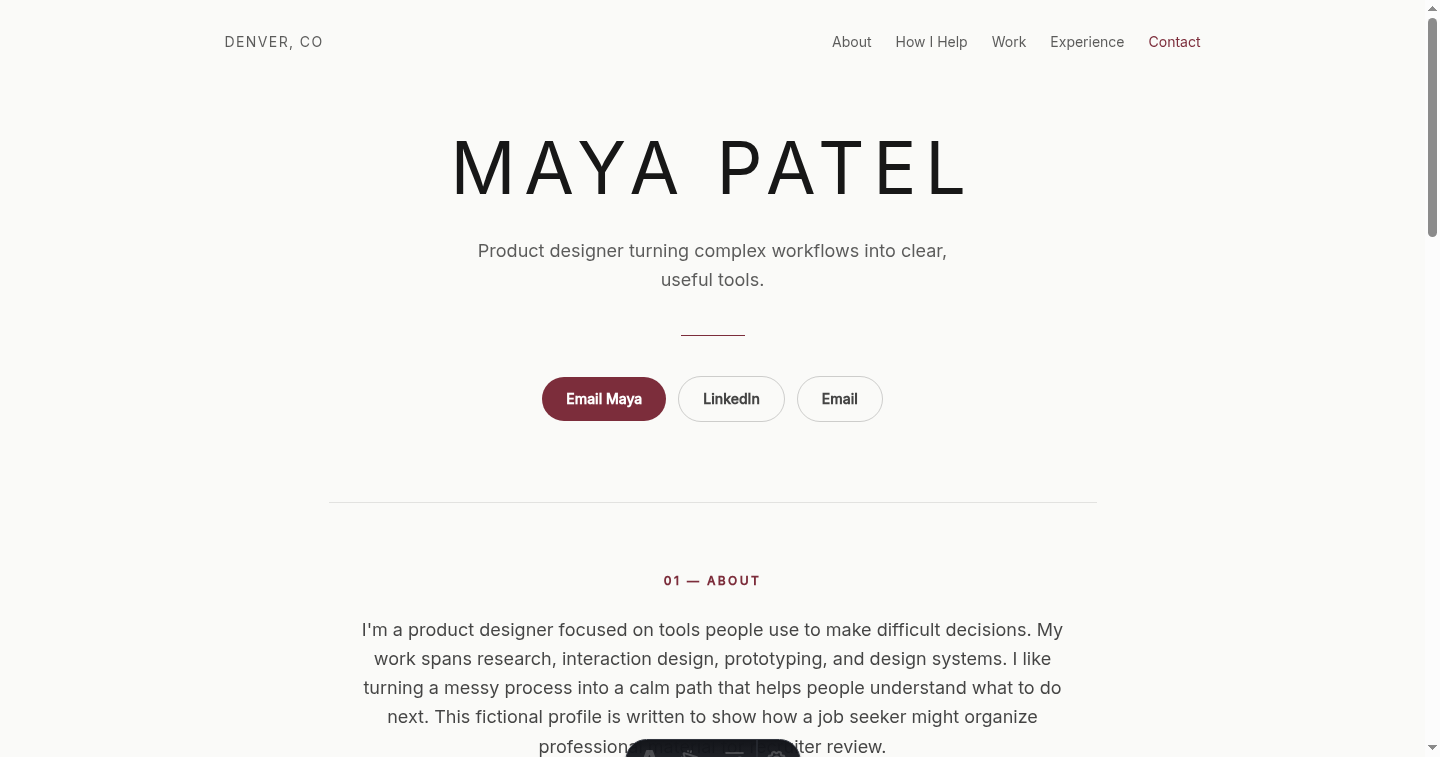
Looking for layout ideas? Compare all eight fictional resume website examples. Preparing proof for client work instead? Use the consultant portfolio guide to choose shareable projects and explain your contribution.
- 01
Direction
A short headline that names the role, field, or problems you want to work on.
- 02
Introduction
A concise explanation of what you do, how you work, and what connects your experience.
- 03
Selected proof
A small set of projects, writing, or accomplishments that support the direction you named.
- 04
Relevant record
Experience, education, and skills trimmed to what helps a reader understand your fit.
- 05
Contact
One clear way to reach you, with a label that states what happens next.
From draft to job search
Make the site useful before you share it.
The link is only helpful when the page is accurate, focused, and ready for someone outside your account to read.
- 1
Choose the job-search story.
Start with the roles you are pursuing. Select the experience and proof that make that direction believable.
- 2
Review every public claim.
Check names, dates, results, links, and confidential details. Remove anything you cannot verify or are not allowed to share.
- 3
Publish one stable link.
Once the page is accurate, use the same address where extra context is welcome, such as a resume header, application field, or direct introduction.
- 4
Keep the three tools aligned.
Your resume, LinkedIn profile, and website do not need identical wording, but the role direction, dates, and main facts should not contradict one another.
Use restraint
When to skip a personal website for now.
- You do not yet have work, writing, or context that adds to the resume.
- The page would expose confidential information or work you cannot discuss safely.
- You cannot keep the essential facts and contact route current.
- Building the site would delay a time-sensitive application that already has everything it needs.
The choice also changes in a client proposal. See the factual comparison of Storypage, LinkedIn, and a PDF bio for consultants.
What Storypage does
- 1. Use your material. Upload a required LinkedIn PDF, plus optional links, a headshot, or extra context.
- 2. Review a private draft. Edit the generated writing, check the contact action, and choose from eight designs.
- 3. Publish only when ready. The site stays unavailable to the public until you choose Publish.
Give your work the context it needs.
Storypage turns the material you provide into an editable private draft. You decide what is accurate, which design fits, and whether anything becomes public.
Build my private job-search site