Turn your LinkedIn PDF into a consultant site for your next proposal.
Storypage writes a private, editable draft you can review before anyone else sees it. Check every claim, choose from eight designs, then publish the link when it is ready for a client.
LinkedIn PDF required. Headshot, work samples, and extra context are optional.
You found Storypage through CurlShip. Your draft stays private while you review it.
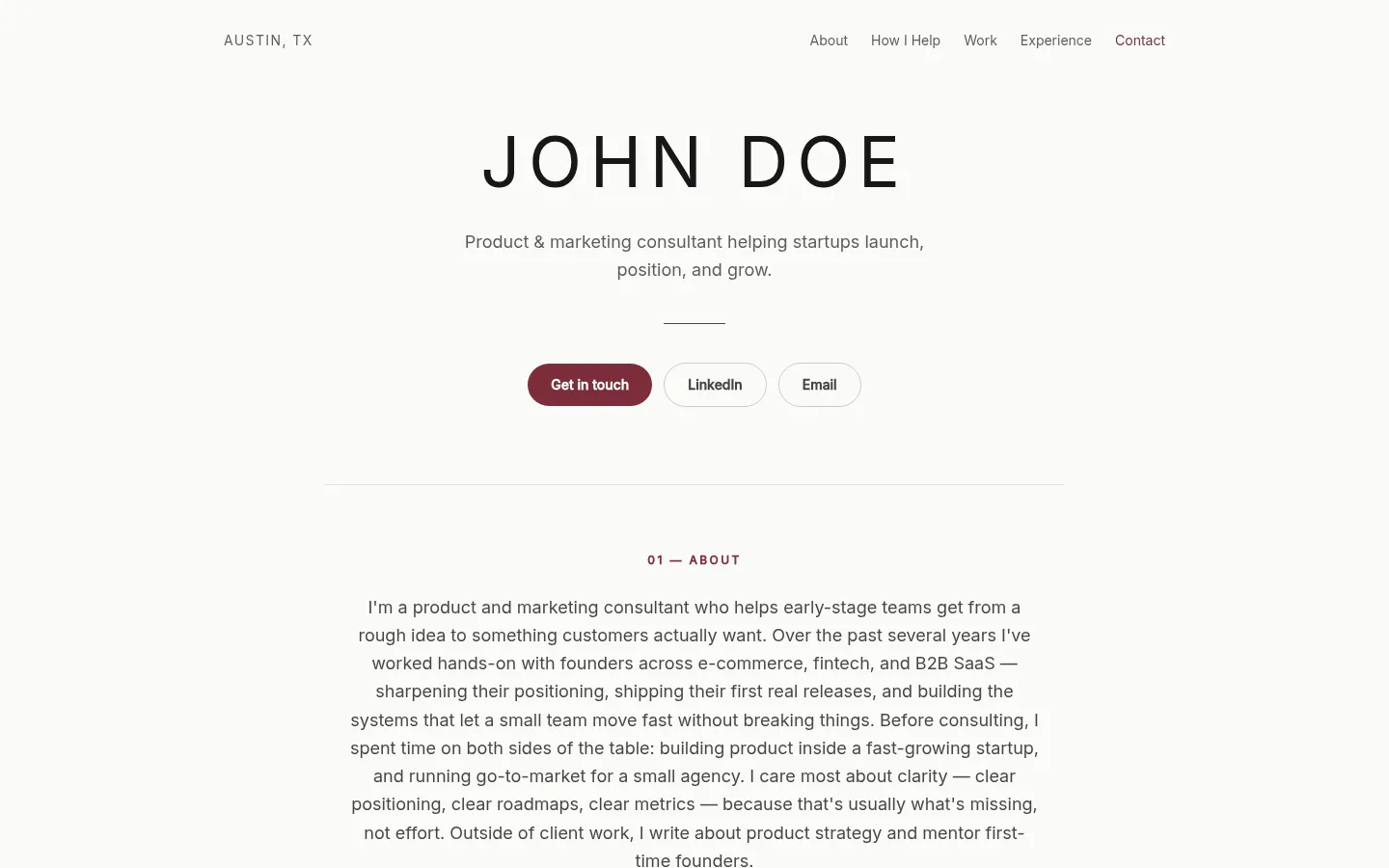
From profile to proposal-ready link
Review the site before a client ever sees it.
Bring your LinkedIn PDF
Export your own profile and upload the PDF. Add a headshot, work samples, links, or extra context only if they help tell the story.
Review the story in private
Storypage drafts your positioning, services, proof, experience, and contact path. Edit anything before a prospective client can see it.
Choose the design, then publish
Compare all eight designs in the private editor. Publish only after the site is ready to send beside your proposal.
Built first for independent consultants
Keep the scope in the proposal. Put the professional context in your Storypage.
The proposal explains the engagement. Your Storypage gives every reviewer one place to understand the consultant behind it.
Keep in the proposal
- The client goal and recommended approach
- Scope, deliverables, timing, and terms
- The decision the prospective client needs to make
Put in your Storypage
- Your positioning and services
- Selected work, writing, and recommendations
- Your experience and one clear contact path
Also useful for job seekers and personal brand builders.
For independent consultants
Seven practical guides for the proposal handoff.
Work through the decision you have now, from comparing builders to sharing the finished link.
For job seekers
Two guides for the context a resume leaves out.
Compare the designs, then decide whether a personal site has a useful role in your search.
For personal brands
Choose a design around the story you need to tell.
Compare all eight personal website templates by content, audience, and professional goal before you build.
Questions
Do you scrape my LinkedIn?
No. You export your own profile using LinkedIn's built-in "Save to PDF" feature, so it's your data, shared by you. There is no login sharing or scraping.
How quickly can I get a draft?
Generation starts automatically after you submit your details and LinkedIn PDF. Timing can vary, and the result stays private until you review it and choose to publish.
What do I need to start?
A LinkedIn PDF export is required. Your headshot, LinkedIn URL, positioning note, portfolio links, case studies, and other context are optional.
When does my site become public?
Your generated Storypage stays private until you review it and click Publish in the editor. Later changes also stay as drafts until you publish them.
What happens to the materials I upload?
Storypage uses your LinkedIn PDF and optional materials to generate your private draft. Your profile content and uploaded images only become publicly reachable after you publish your Storypage.
Before the next proposal goes out
Build the site a prospective client can open beside it.
Start with your LinkedIn PDF, review the writing and all eight designs in private, then publish only when the site is ready for a client.
Build my private proposal site