A practical proposal handoff for independent consultants
How to share your consultant website with a proposal.
Send the proposal for the engagement. Add one personal link for the experience, proof, and working context that should not be squeezed into the scope.
Updated
Create the draft from your LinkedIn PDF. Nothing becomes public until you publish.
Consulting proposal
The engagement
SCOPE
Work, boundaries, deliverables
DECISION
Timing, terms, next step
Personal Storypage link
The consultant behind it
The proposal carries
The decision about this engagement.
Keep the client context, desired outcome, scope, approach, timing, terms, and next decision in the proposal. Those details change from one engagement to the next.
The personal link carries
The stable context around you.
Use the site for positioning, services, selected work, writing, recommendations, experience, and a current contact route. It supports the proposal without repeating it.
Choose the moment
Share the link when it helps the client assess you.
A personal link is useful context, not a mandatory attachment. Add it only when it makes the decision easier.
Add it when
- The buyer has met the scope but not everyone who will review the proposal has met you.
- Your relevant work, writing, or recommendations would interrupt the proposal if copied into it.
- The client needs a current place to understand your broader experience or contact you later.
Leave it out when
- The page contains proof that is irrelevant to this decision or too sensitive to share publicly.
- The site is stale, the contact route is broken, or a generated claim has not been checked.
- The client already has the context and another link would add noise rather than clarity.
A practical introduction
One sentence. One link. No second sales pitch.
Place the note in the email or cover message that delivers the proposal. Adapt the first line to the client, then use the exact live URL once.
This is Storypage's product-provided pattern. It is not buyer-derived wording.
Proposal cover note
A short personal introduction
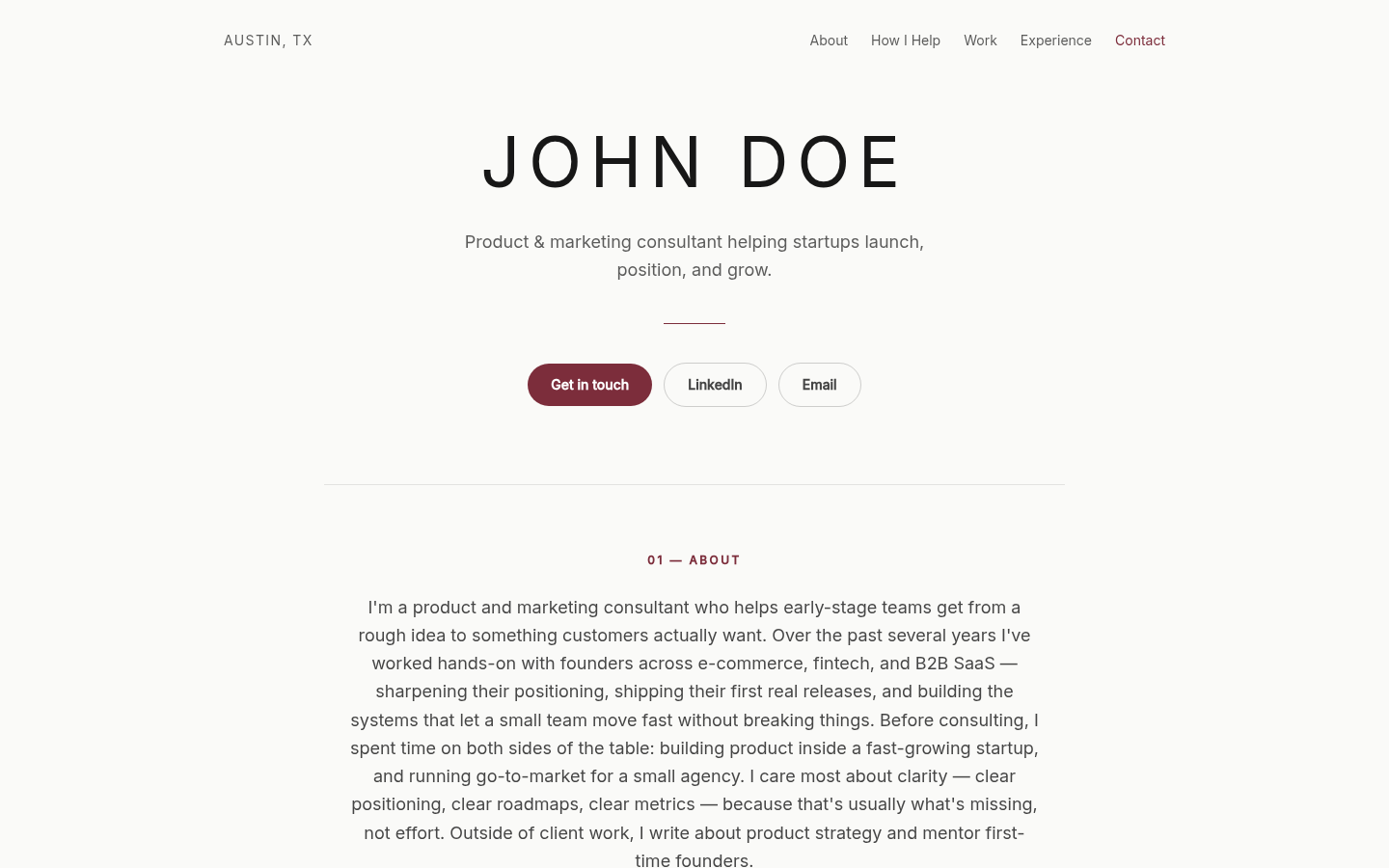
I've included a short introduction to my background and work alongside this proposal: https://storypage.me/sites/your-name-example
Proof review
Check the page from this prospect's point of view.
The strongest page is not the one with the most material. It is the one where every visible claim helps the right client understand your fit.
- 01
Positioning
Does the headline describe the work you want this prospect to associate with you?
- 02
Relevant proof
Do selected work and writing help this prospect assess your judgement without exposing confidential detail?
- 03
Recommendations
Are every quote, author, and relationship accurate and approved for public use?
- 04
Contact route
Does the main action lead somewhere current, safe, and sensible for a prospect?
- 05
Generated claims
Can you defend every service, result, role, and date in the finished page?
Private before public
Review the finished page before anyone else can open it.
- 01
Create the draft
Start with your LinkedIn PDF and add optional professional context.
- 02
Review the proof
Edit the writing, links, proof, contact action, and selected design in private.
- 03
Publish when ready
The public link opens only after you choose to publish the reviewed page.
Prepare the whole handoff
Build the pieces around the link.
Give your next proposal one useful personal link.
Build the private consultant draft first. Check the proof, choose the design, and publish only when the page is ready to share.
Build my private consultant site