Consultant website examples for a clearer client story.
See how eight fictional Storypage designs organize positioning, proof, selected work, and one clear next step for a prospective client.
Updated
Start with your LinkedIn PDF. Review every claim and design before you publish.

What a useful consultant site needs.
Design helps people read the story. These six ingredients make the story worth reading.
A specific promise
Say who you help and what kind of problem you work on.
Credible proof
Use experience, recommendations, or results you can substantiate.
Selected work
Give each example enough context to show your contribution.
A human introduction
Explain the judgment and approach behind the service.
One contact action
Choose the next step you actually want a prospect to take.
A careful review
Check every claim, link, and contact route before publishing.
Plan the story before the style
A consultant website has three jobs.
It should explain what you do, make your evidence easy to assess, and give the right prospect a sensible next step.
- 01
Orient
Name the client, the problem, and the kind of work you lead.
Use the proposal template - 02
Prove
Show selected work with enough context to reveal your contribution.
Build a consultant portfolio - 03
Invite
Choose one contact action that matches how you actually start a client conversation.
Share the site with a proposal - 04
Choose
Decide whether this handoff needs a curated site, a familiar profile, or a fixed bio.
Compare the three formats
Eight designs, one fictional consultant.
The same demo profile appears in every example, so you can compare structure instead of being distracted by different stories.

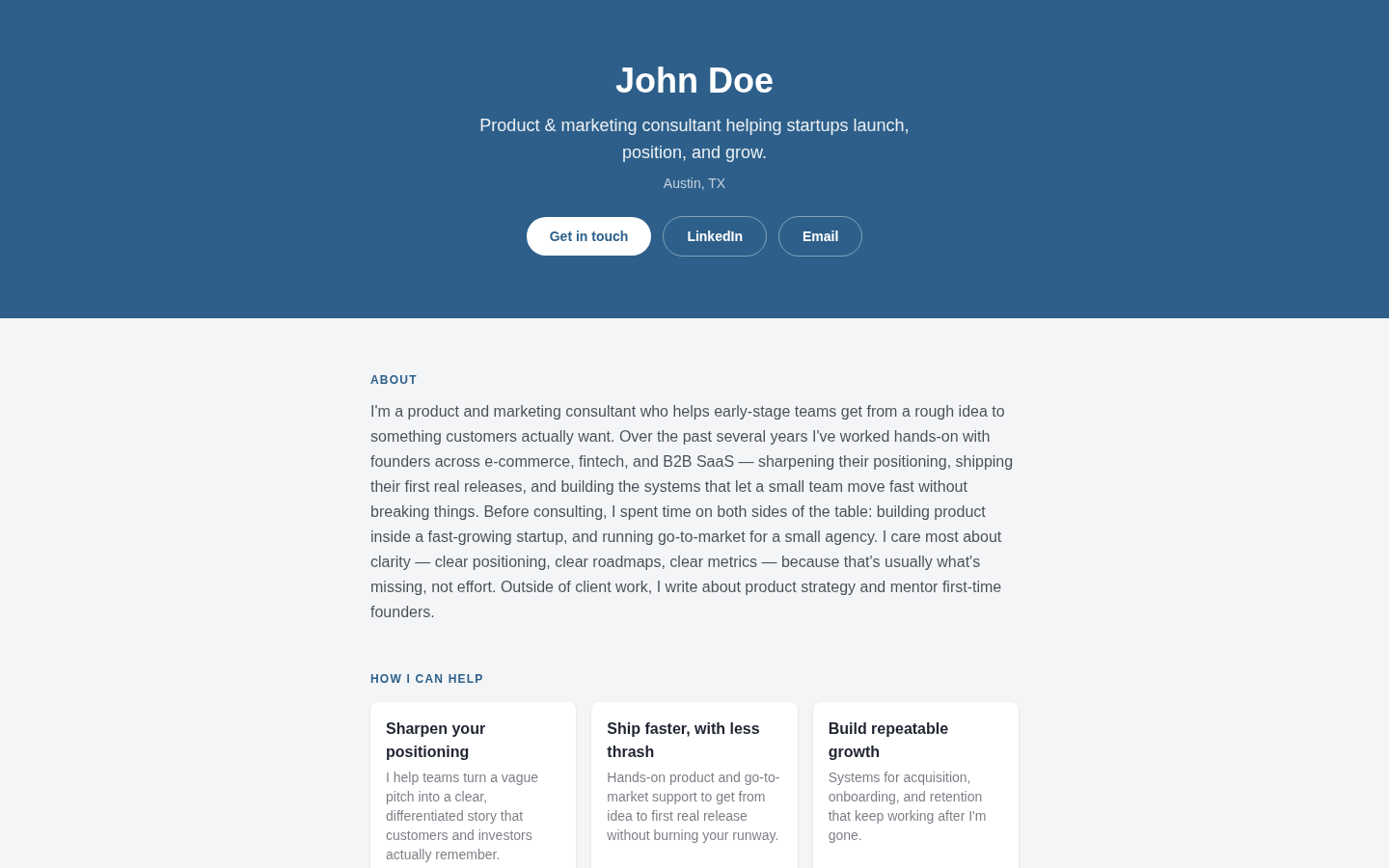
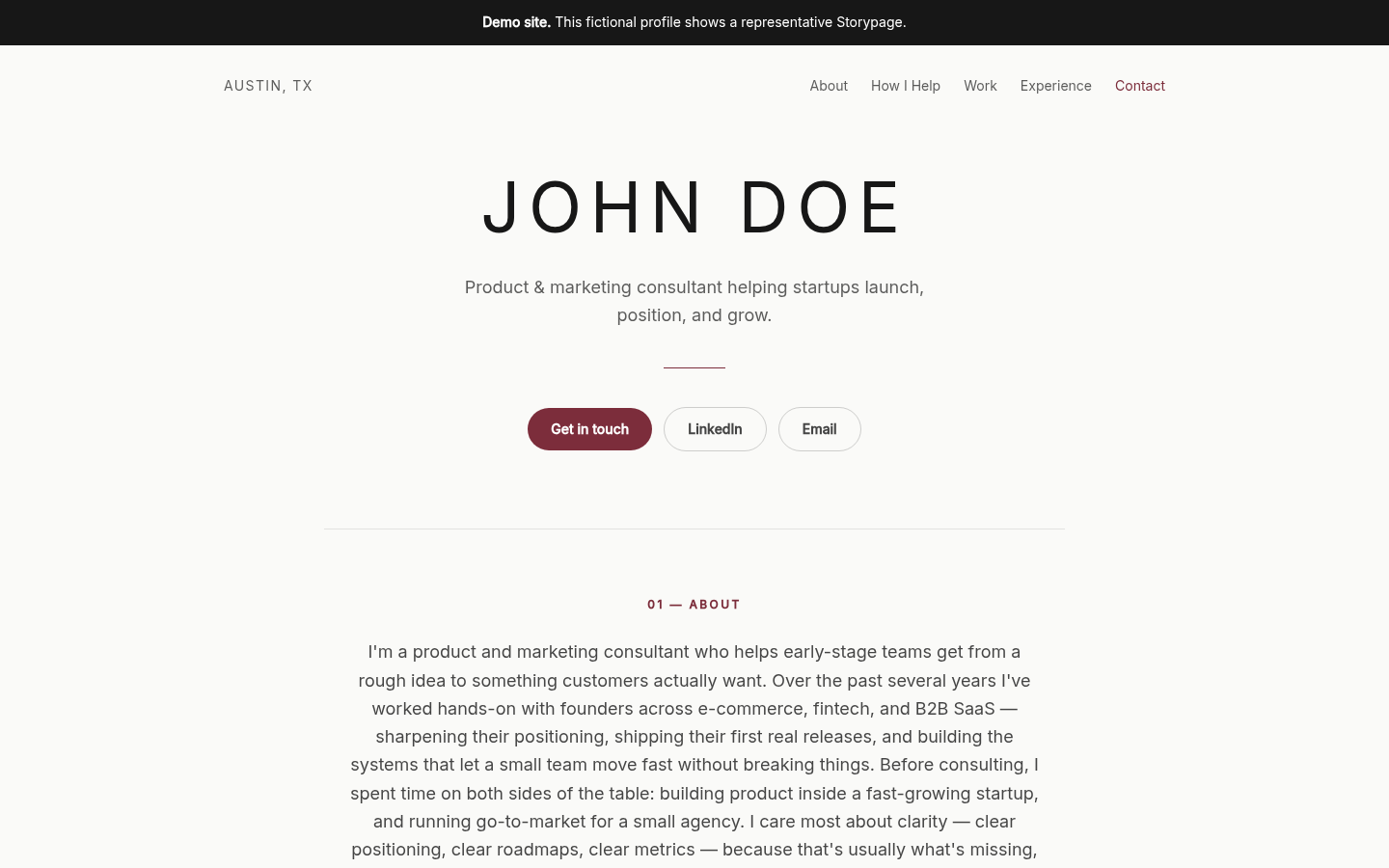
Fictional example. John Doe is demo content, not a customer. Editorial Light
A good fit for strategy, research, and advisory work where restraint helps the thinking lead.
- Headline
- State the kind of client you help and the change you work on.
- Proof
- Let specific experience and a concise About section establish credibility.
- Selected work
- Use short case summaries that explain the assignment and your role.
- Contact action
- Keep one direct invitation visible without crowding the page.

Fictional example. John Doe is demo content, not a customer. Corporate Timeline
Useful for operators and transformation consultants whose career sequence carries real weight.
- Headline
- Lead with your present consulting focus, not your last job title.
- Proof
- Use the timeline to connect relevant roles to the advice you offer now.
- Selected work
- Pair each engagement with scope, contribution, and a verified result when you have one.
- Contact action
- Offer a single next step after visitors have scanned your track record.

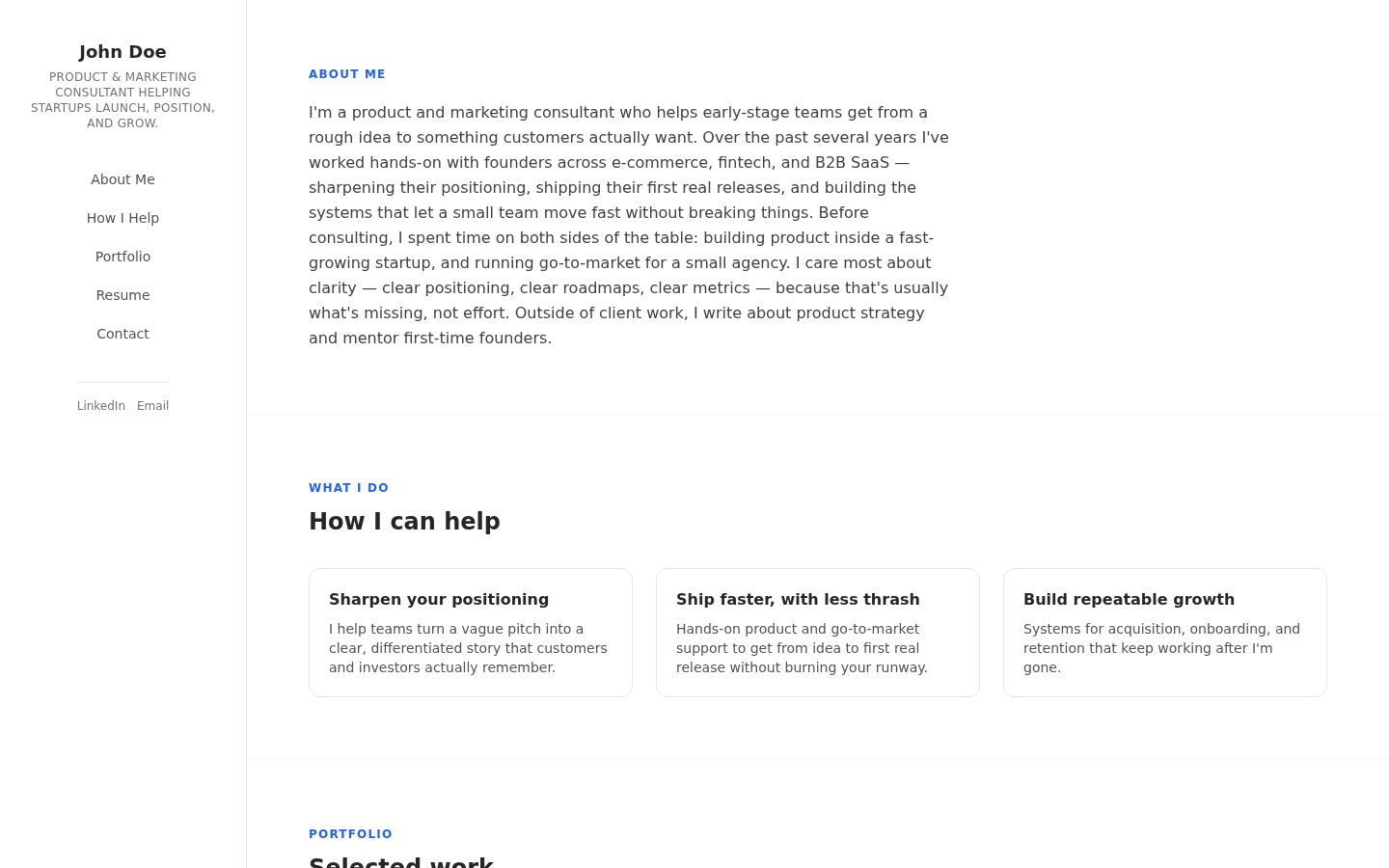
Fictional example. John Doe is demo content, not a customer. Sidebar vCard
Works for fractional leaders and specialists who need a compact identity panel beside deeper evidence.
- Headline
- Make the short sidebar line precise enough to orient a visitor immediately.
- Proof
- Reserve the wider column for concrete expertise, experience, and recommendations.
- Selected work
- Give projects room to show the client problem and the part you owned.
- Contact action
- Keep contact details fixed near your name so the route back is obvious.

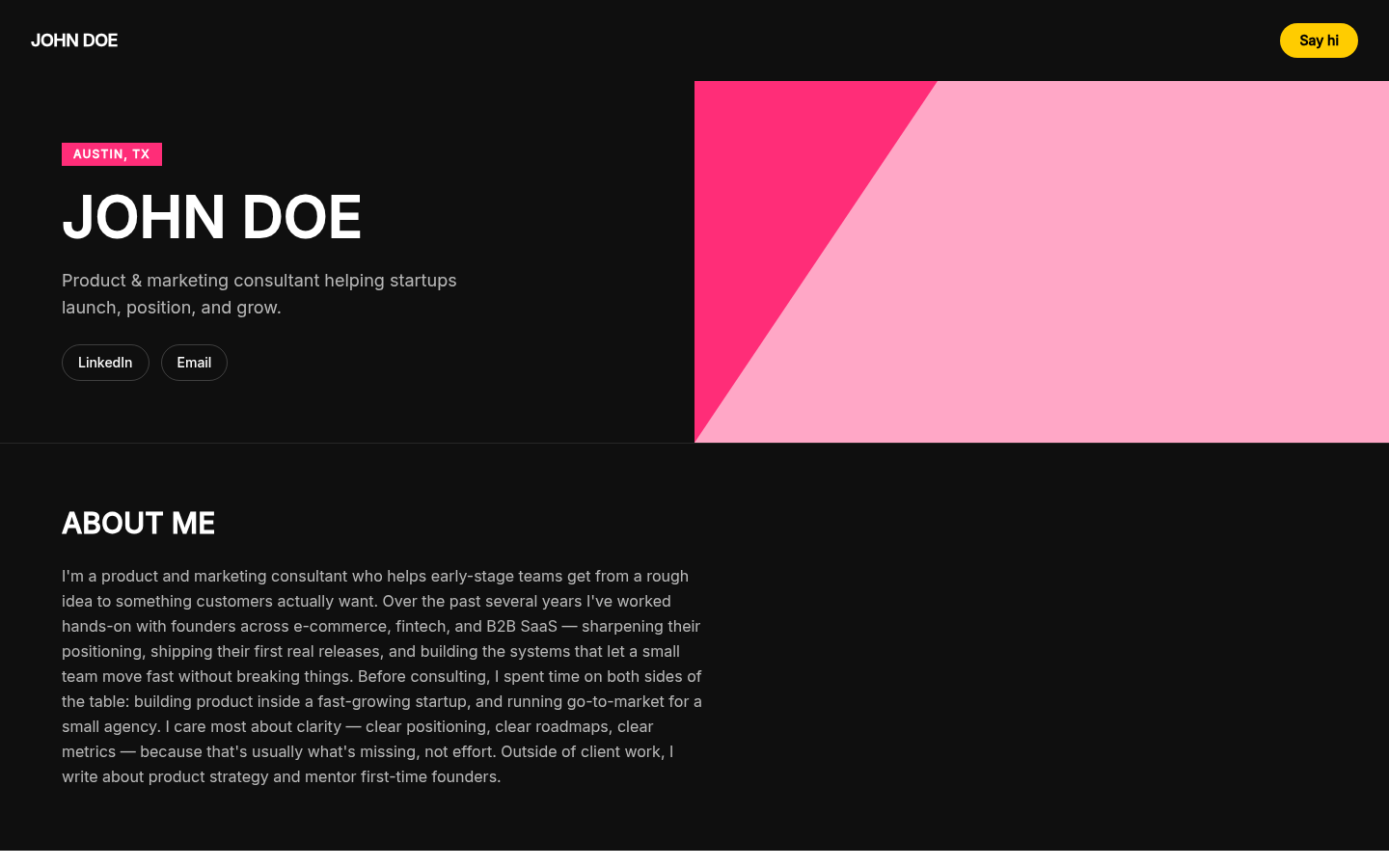
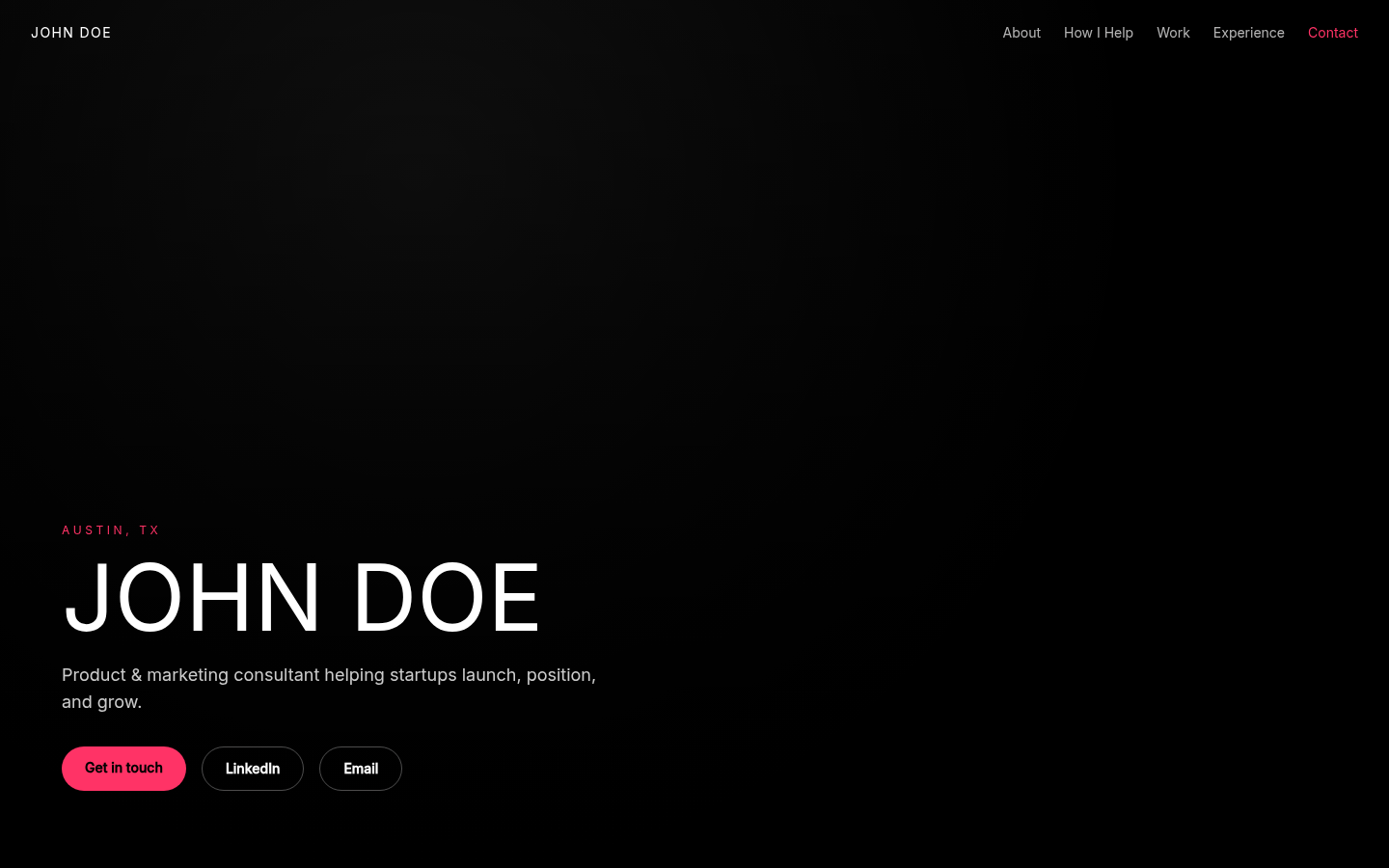
Fictional example. John Doe is demo content, not a customer. Bold Duotone
A sharper option for creative, launch, and brand consultants with a confident point of view.
- Headline
- Use a short promise that can hold its own at a large scale.
- Proof
- Balance the visual energy with plain, factual supporting copy.
- Selected work
- Choose a few strong engagements instead of turning the page into a gallery.
- Contact action
- Use one high-contrast action and let other links stay secondary.

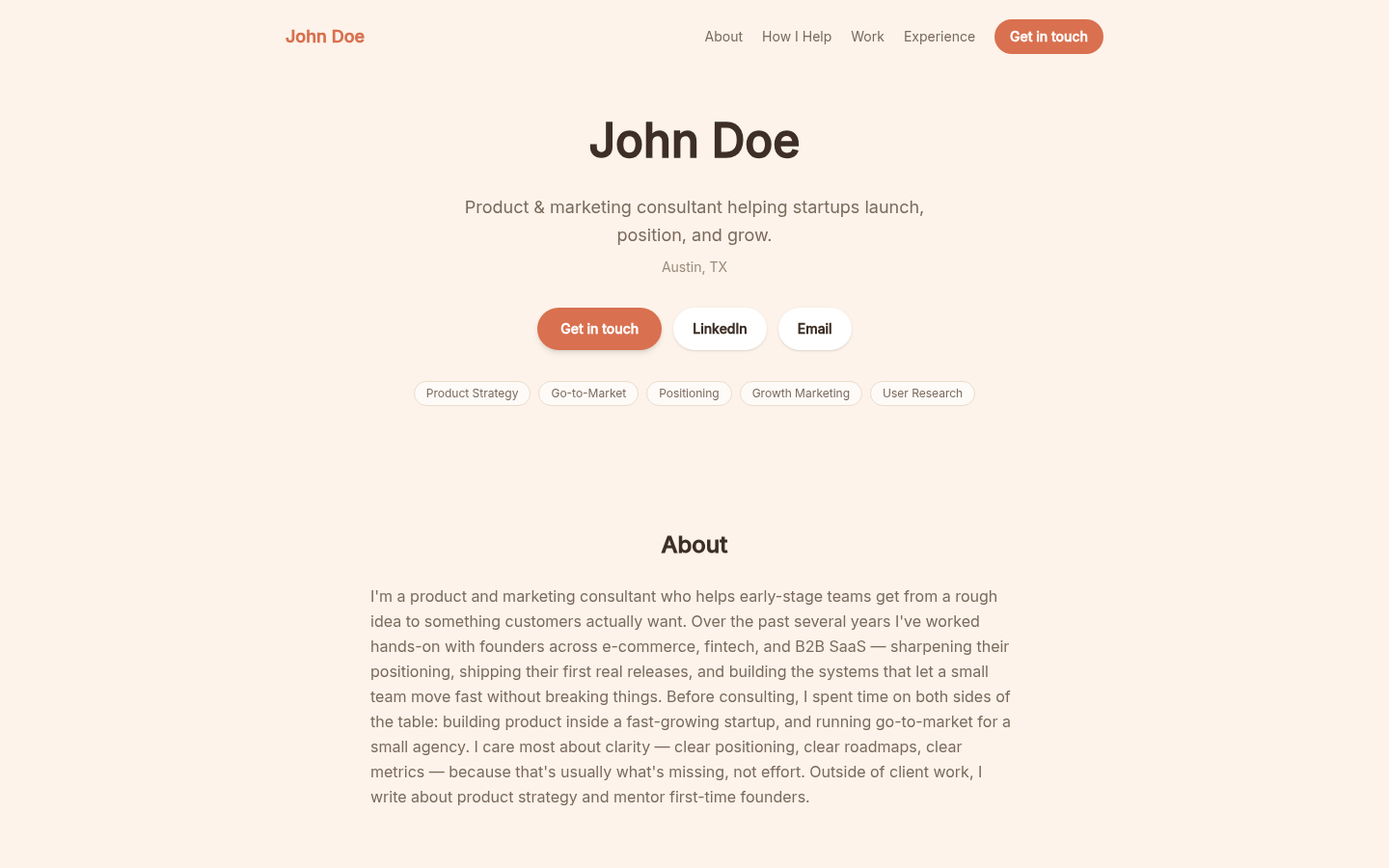
Fictional example. John Doe is demo content, not a customer. Warm Personal
Suited to coaches, facilitators, and people consultants where approachability matters alongside expertise.
- Headline
- Say who you help in straightforward language before adding personality.
- Proof
- Support the introduction with relevant roles, recommendations, or verifiable outcomes.
- Selected work
- Frame engagements around the situation, your contribution, and what changed.
- Contact action
- Use a human invitation such as an email or a clearly named booking link.

Fictional example. John Doe is demo content, not a customer. Photo Hero
Best when a strong professional portrait is part of how you build trust in a relationship-led service.
- Headline
- Keep the positioning compact so it does not compete with the portrait.
- Proof
- Move evidence into the sections below instead of stacking claims in the hero.
- Selected work
- Use client-safe examples that show judgment, not confidential detail.
- Contact action
- Place one clear action beside your introduction and repeat the same path later.

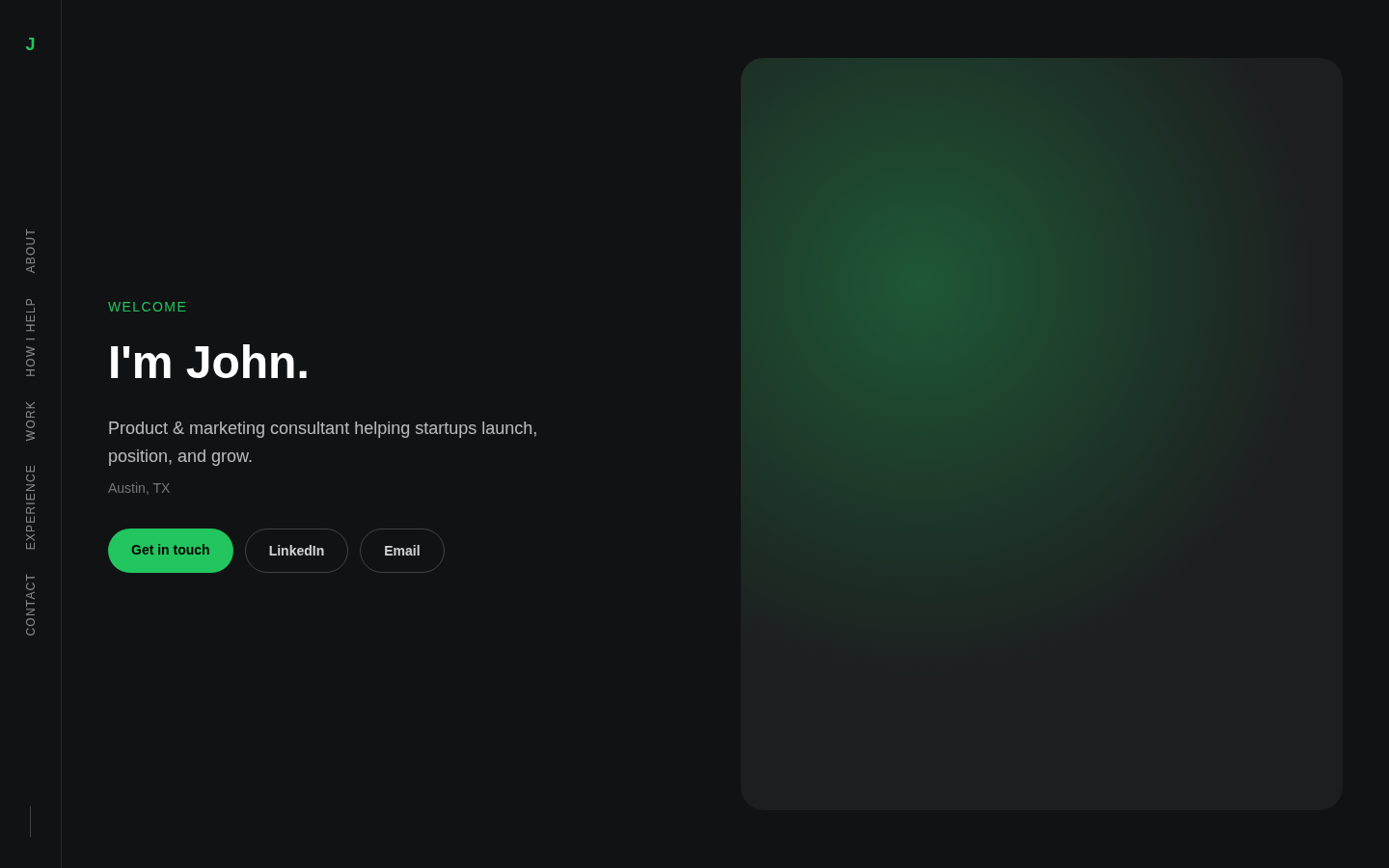
Fictional example. John Doe is demo content, not a customer. Split Photo
A fit for speakers, advisors, and visible experts who want a strong opening without a busy page.
- Headline
- Let the left side answer what you do before the visitor starts scrolling.
- Proof
- Use the next section for selected credentials rather than shrinking them into the hero.
- Selected work
- Keep the examples selective and explain why each one is relevant.
- Contact action
- Choose one high-intent route, then treat social links as supporting navigation.

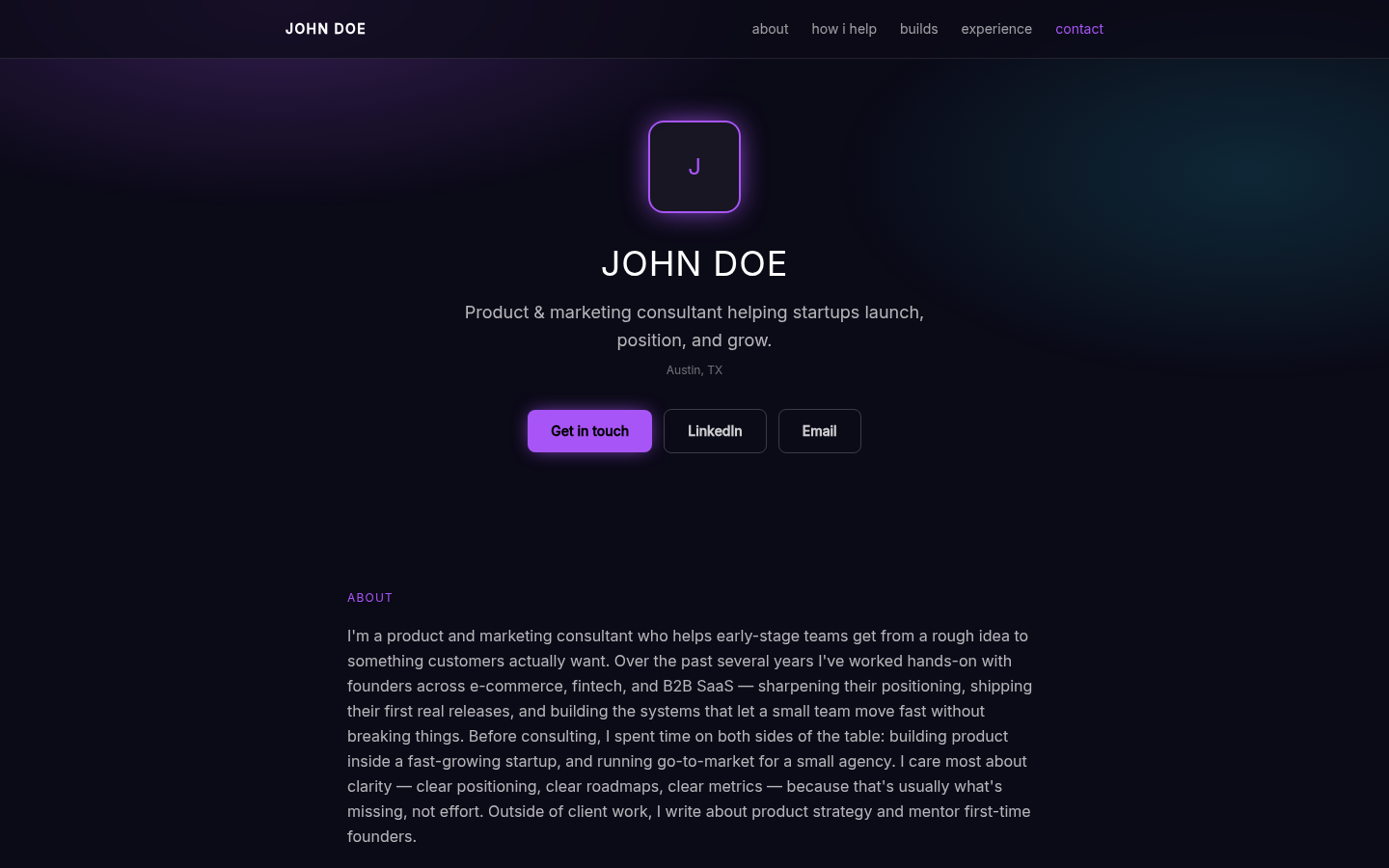
Fictional example. John Doe is demo content, not a customer. Neon Glow
Designed for technical, product, and innovation consultants who want a more distinctive digital feel.
- Headline
- Pair the strong visual treatment with a plain explanation of your specialty.
- Proof
- Ground every claim in named experience, supplied material, or owner-reviewed evidence.
- Selected work
- Use concise builds or engagements that a technical buyer can assess quickly.
- Contact action
- Keep the primary action bright, singular, and specific about what happens next.
Comparing layouts for a job search instead? See eight fictional resume website examples built around the same private-review flow.
What happens next
- 1. Add your source. Upload your LinkedIn PDF and optional work samples.
- 2. Review in private. Check the writing, links, contact action, and all eight designs.
- 3. Publish when ready. Your draft stays private until you click Publish.
Turn your own experience into the next example.
Storypage starts from material you provide, then gives you a private draft to edit before anything becomes public.
Request my own private Storypage